How to Pay Token Tax Through Mobile Wallet in Pakistan 2026
How to Pay Token Tax Through Mobile
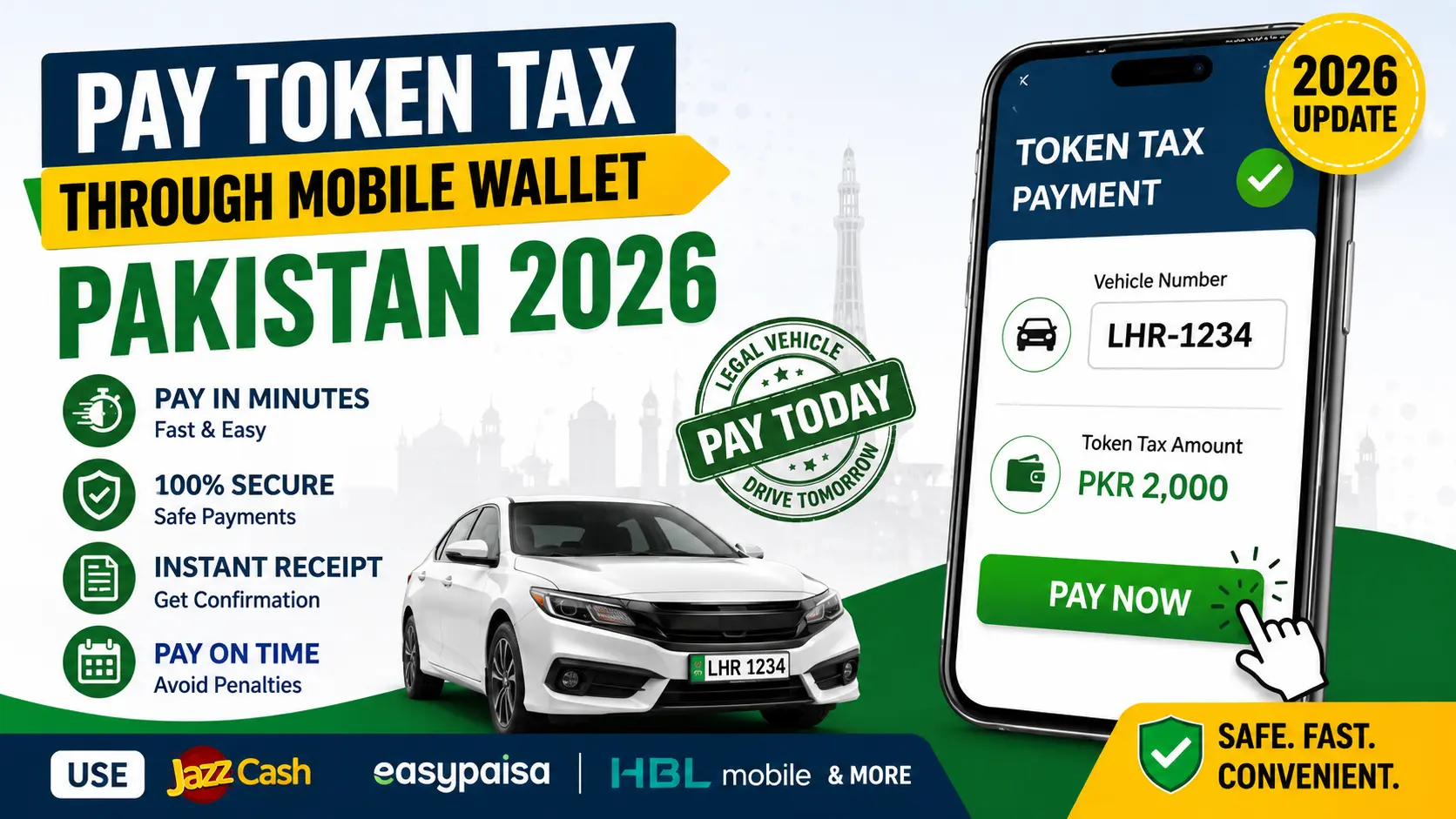
Paying vehicle token tax in Pakistan is now easier than ever. In 2026, you can complete the entire process from your mobile phone using digital wallets like JazzCash, Easypaisa, and banking apps. This guide explains everything in simple steps so you can pay your token tax without confusion.
What is Token Tax in Pakistan
Token tax is an annual tax that every vehicle owner must pay. It applies to motorcycles, cars, SUVs, and commercial vehicles. This tax is collected by the Excise and Taxation Department.
The purpose of token tax is to keep your vehicle legally registered and allowed on roads. If you do not pay it on time, you may face fines or legal issues. In some cases, your vehicle registration can also become problematic.
Why Online Payment is Important in 2026
In the past, people had to visit Excise offices and wait in long lines. Now the system has improved. You can pay your token tax online within minutes.

Online payment saves time and effort. It is available 24 hours a day. You also receive instant confirmation, which reduces the risk of errors.
Mobile Wallets That Support Token Tax Payment
In Pakistan, several mobile wallets and banking apps allow you to pay token tax easily.
JazzCash
JazzCash is one of the most popular mobile wallets in Pakistan. It supports many government payments including token tax.
Easypaisa
Easypaisa is another widely used app. It is simple to use and works on all networks.
HBL Mobile App
If you have an HBL bank account, you can use their mobile app to pay token tax directly.
Bank Alfalah ALFA App
This app also allows users to pay government taxes, including vehicle token tax.
UBL Digital App
UBL customers can use this app for secure and quick tax payments.
Step by Step Guide to Pay Token Tax Using JazzCash
JazzCash is the most common option. Follow these steps carefully.
Step 1 Open the App
Open the JazzCash app on your phone. Log in using your mobile number and MPIN.
Step 2 Go to Bill Payments
On the main screen, tap on Pay Bills. Then select Government Services.
Step 3 Select Excise Department
Choose Excise and Taxation or Token Tax from the list.
Step 4 Enter Vehicle Number
Type your vehicle registration number correctly. For example LHR1234 or FSD5678.
Step 5 Check Details
The system will show your vehicle information and the amount of tax due. Check everything carefully.
Step 6 Confirm Payment
Tap on Pay Now and enter your MPIN to complete the payment.
Step 7 Save Receipt
After payment, you will receive a confirmation message. Save this receipt as proof.
Step by Step Guide to Pay Token Tax Using Easypaisa
If you use Easypaisa, the process is also simple.
Step 1 Log In
Open the Easypaisa app and log in.
Step 2 Select Pay Bills
Tap on Pay Bills from the home screen.
Step 3 Choose Government Payments
Find and select Excise and Taxation Punjab.
Step 4 Enter Registration Number
Type your vehicle number and verify the details.
Step 5 Confirm Payment
Enter your PIN and complete the payment.
Step 6 Get Confirmation
You will receive a message and app notification as proof.
Token Tax Rates in Punjab 2026
Token tax depends on your vehicle type and engine size.
Motorcycles
Up to 100cc usually costs around 500 rupees
101cc to 200cc around 800 rupees
Above 200cc around 1200 rupees
Cars and SUVs
Up to 1000cc around 1500 rupees
1001cc to 1300cc around 2000 rupees
1301cc to 1600cc around 3000 rupees
1601cc to 2000cc around 5000 rupees
Above 2000cc 8000 rupees or more
Commercial Vehicles
Rates vary based on weight and category.
Token Tax Deadline in Pakistan 2026
The usual deadline for paying token tax is December 31, 2026. If you miss the deadline, a penalty will be added.
It is better to pay early to avoid extra charges. Always check official updates in case the deadline changes.
Benefits of Paying Token Tax Through Mobile Wallet
No Need to Visit Office
You can complete the process from your home without standing in lines.
Available Anytime
Mobile wallets work 24 hours a day, even on holidays.
Instant Receipt
You get immediate confirmation after payment.
Secure Transactions
Payments are protected by secure banking systems.
Manage Multiple Vehicles
You can pay for more than one vehicle easily.
Payment Reminders
Apps often send reminders so you do not forget the deadline.
Common Problems and Solutions
Registration Number Not Found
Make sure you entered the correct number with the city code. Also check if your vehicle is registered in Punjab.
Payment Failed but Money Deducted
Wait for 24 to 48 hours. Usually the amount is returned automatically. If not, contact customer support.
Tax Showing Unpaid After Payment
Sometimes the system takes time to update. Keep your receipt and visit the Excise office if needed.
Tips for Smooth Payment
Always double check your vehicle number before payment
Keep a screenshot of your receipt
Use a stable internet connection
Avoid last day payments to prevent system overload
Final Thoughts
Paying token tax through mobile wallets in Pakistan in 2026 is fast, simple, and reliable. Whether you use JazzCash, Easypaisa, or a banking app, the process takes only a few minutes.
Staying updated with your tax payments keeps your vehicle legal and saves you from penalties. Make it a habit to pay on time and keep your documents safe.
Disclaimer
This article is for informational purposes only. Token tax rules, rates, and payment methods may change based on government policies. Always verify details from official Excise and Taxation Department sources before making payments.